Preview

Introduction
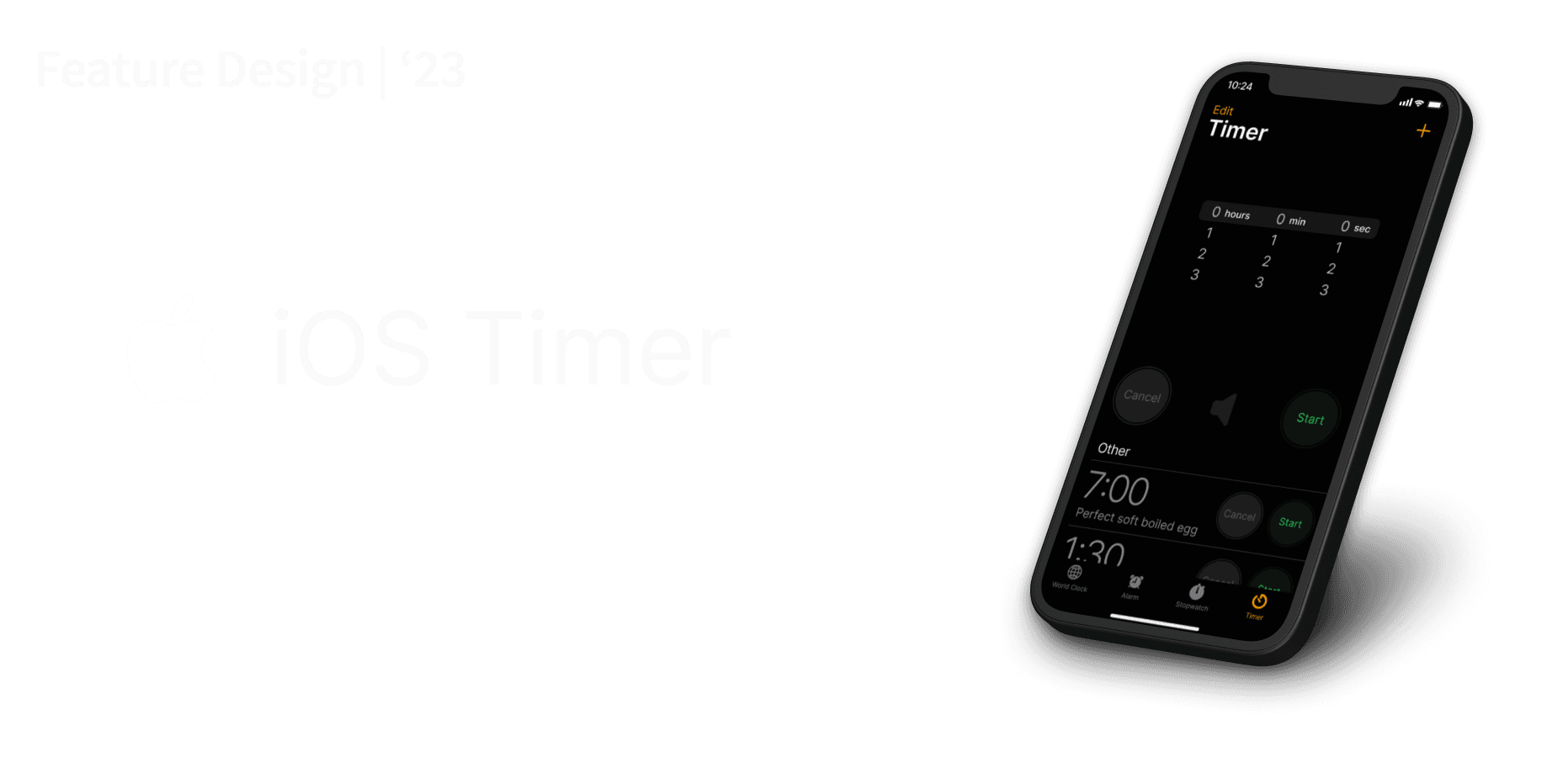
iOS Custom Timers
I was finishing up the first set of a workout and going into a much needed 90 second rest before the next set. So as I finished, I went to set the timer on my phone but realized I had set it to 20 minutes before for a bike ride, meaning I had to scroll from 20 to 1 in the minutes and 0 to 30 in the seconds. A slightly annoying inconvenience,
Role
Designer, Researcher
Tools
Figma
Timeline
2.5 weeks
Problem
The iOS timer gives no option to add custom timers like there is for alarms even though they share many similar features
This means that timers must be individually set and reset each time they are needed.
Not only that, but users can end up inputting the wrong times for certain activities since the timer relies on their memory instead of saving options in the system itself.
Research
Sources
Barring some smaller differences, the iOS Clock app largely had the tools and certainly the concept to take on this project already. In fact, I only used and needed the iOS World Clock, Alarm, and of course current Timer as references to complete this project.

Findings
In a blur of wireframing and research, I made some of my most crucial findings about my project as well as the product I was designing for. Here's a comprehensive list, followed by the deeper dive.
2 customizable time apps (Alarm and World Clock), and 2 non-customizable (Timer and Stopwatch)
The customizables are asynchronous and have Edit and + buttons, titles, and a list. The non-customizables are synchronous
The iOS design philosophy is centered around effectively minimal, aesthetically pleasing, and "to the point" designs


Solution
Allow users to add Custom Timers to their Clock
In this project, I focused on 3 main aspects to this:
The process of creating new timers
How they would function
Adherence to the iOS design identity
Main Decisions
Timer List

Reuse existing iOS CRUD signifiers

Final Frames
Takeaways
I got a lot more out of this project than I expected to be honest. Going into it I thought “what could be so hard about a timer?” and expected a tame few weeks of design filled fun.Turns out, definitely fun but not so tame.
Check, check, and recheck
Making sure to check my work as I go instead of pushing ahead assuming I’m right, only to have done a bunch of work and realizing a fatal flaw. However, this definitely helped me become a better and more thoughtful designer moving forward!
Making designs more life like
I also tried learning a lot about prototyping and animation with this project. I’m still learning a lot in this regard but I have definitely grown in my knowledge of making my designs more “life-like”.
Document...everything
While doing this project, I decided to record what I did each day I worked or at least each time there was something noteworthy. I learned a great deal in terms of organization and just how important documentation is when it comes to progress. It also made writing this case study a whole lot easier!